Capture ground data onsite digitally
What's better than entering ground data on paper? We know - hardly anything beats a quick write-down on paper. But we knew this process could be improved, being ground experts ourselves. We took the paper forms and digitized them - and added a bunch of brilliant features to it. So now you can enter your ground data like you're used to, on paper, but in a much faster, safer and smarter way.
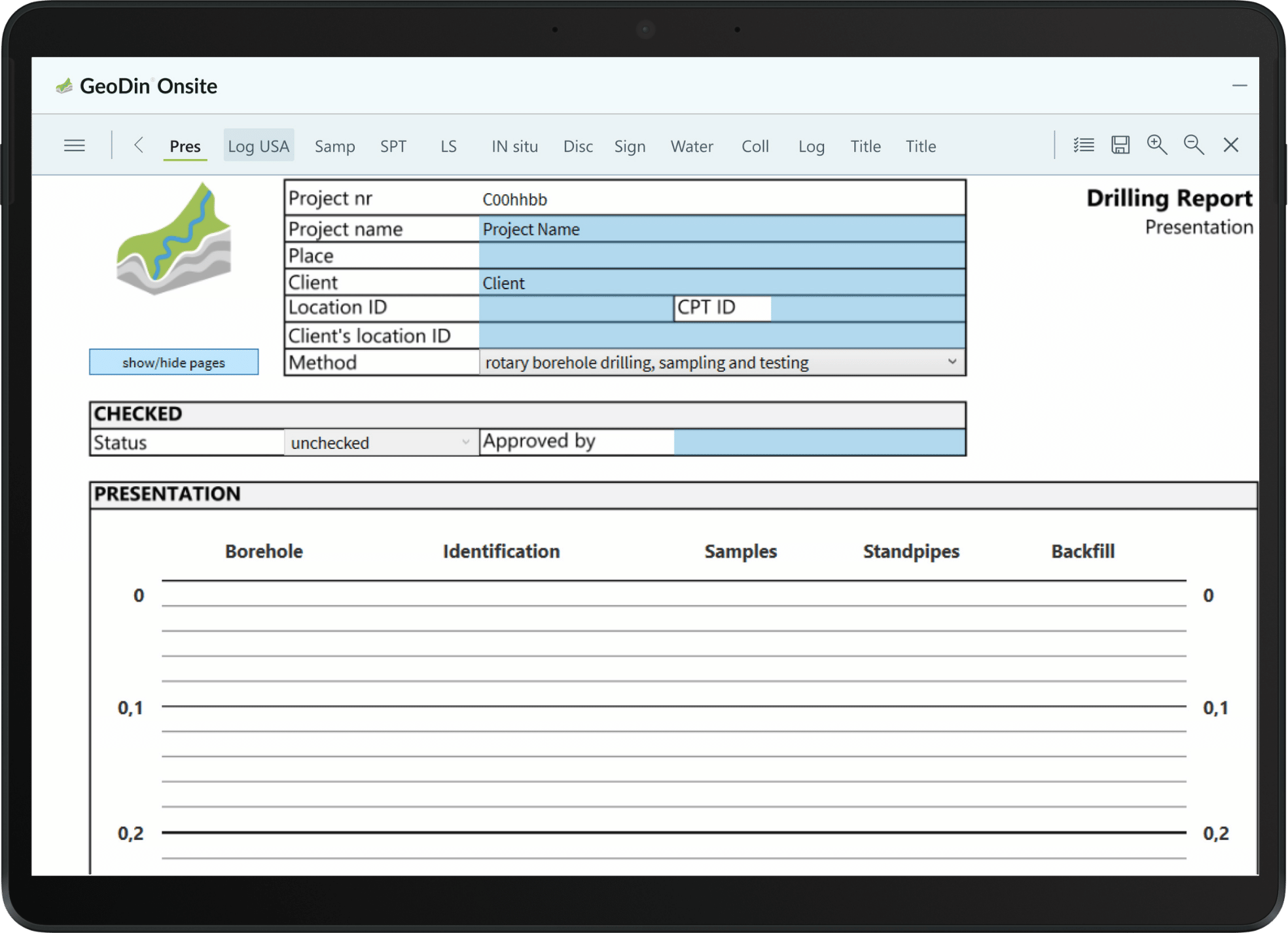
GeoDin Onsite allows for easy, validated ground data capturing
GeoDin proudly presents GeoDin Onsite, a field data collection software for Windows tablets, laptops and desktop. GeoDin Onsite allows for easy, validated ground data capturing. The data can be seamlessly entered into GeoDin.
Simplify sample management
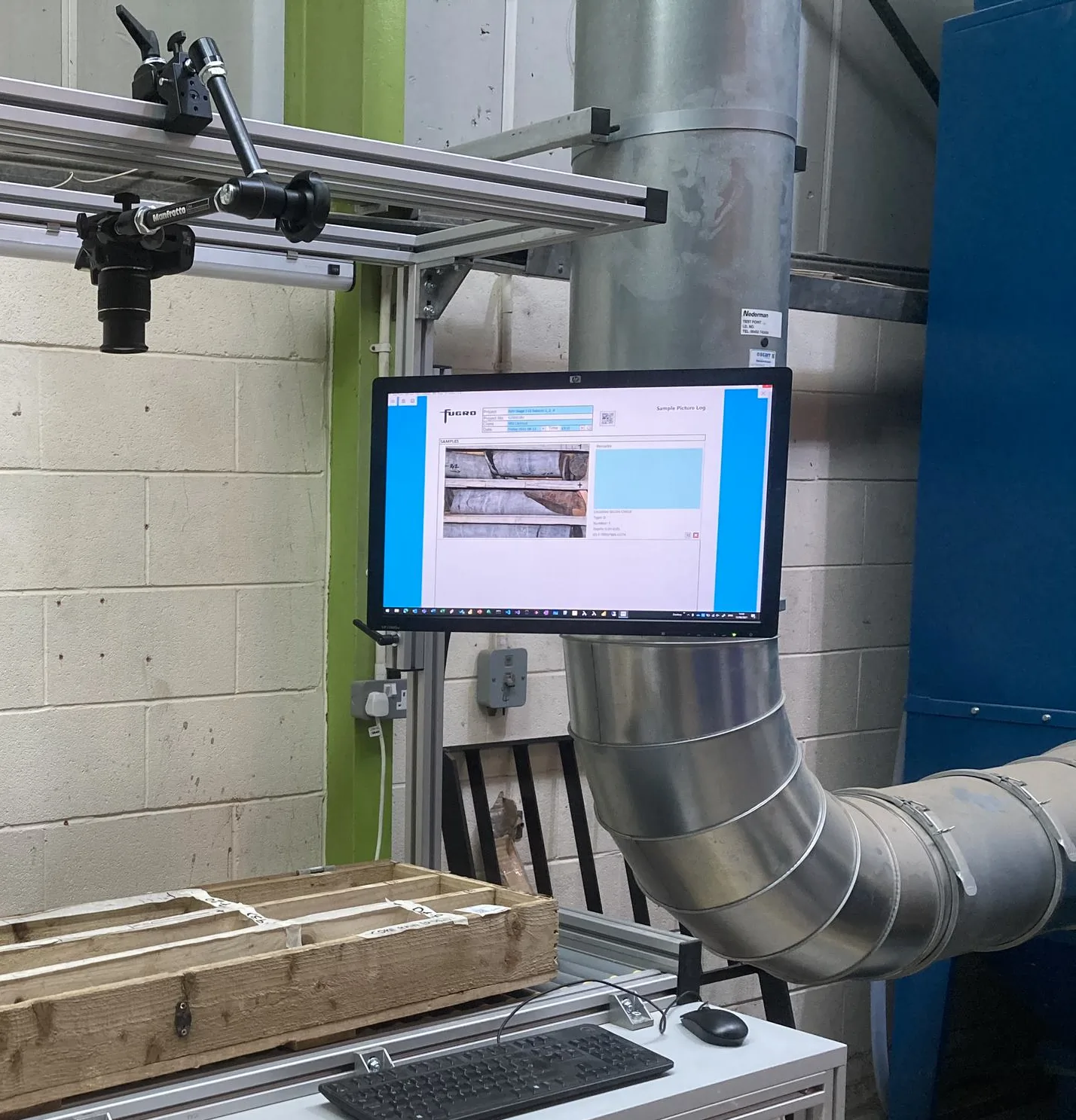
Besides easy geo data collection, the app also offers label printing with QR, to make sample registration a simple task, and to prevent data loss or mix-up. And finally: the app can also include sample photos.
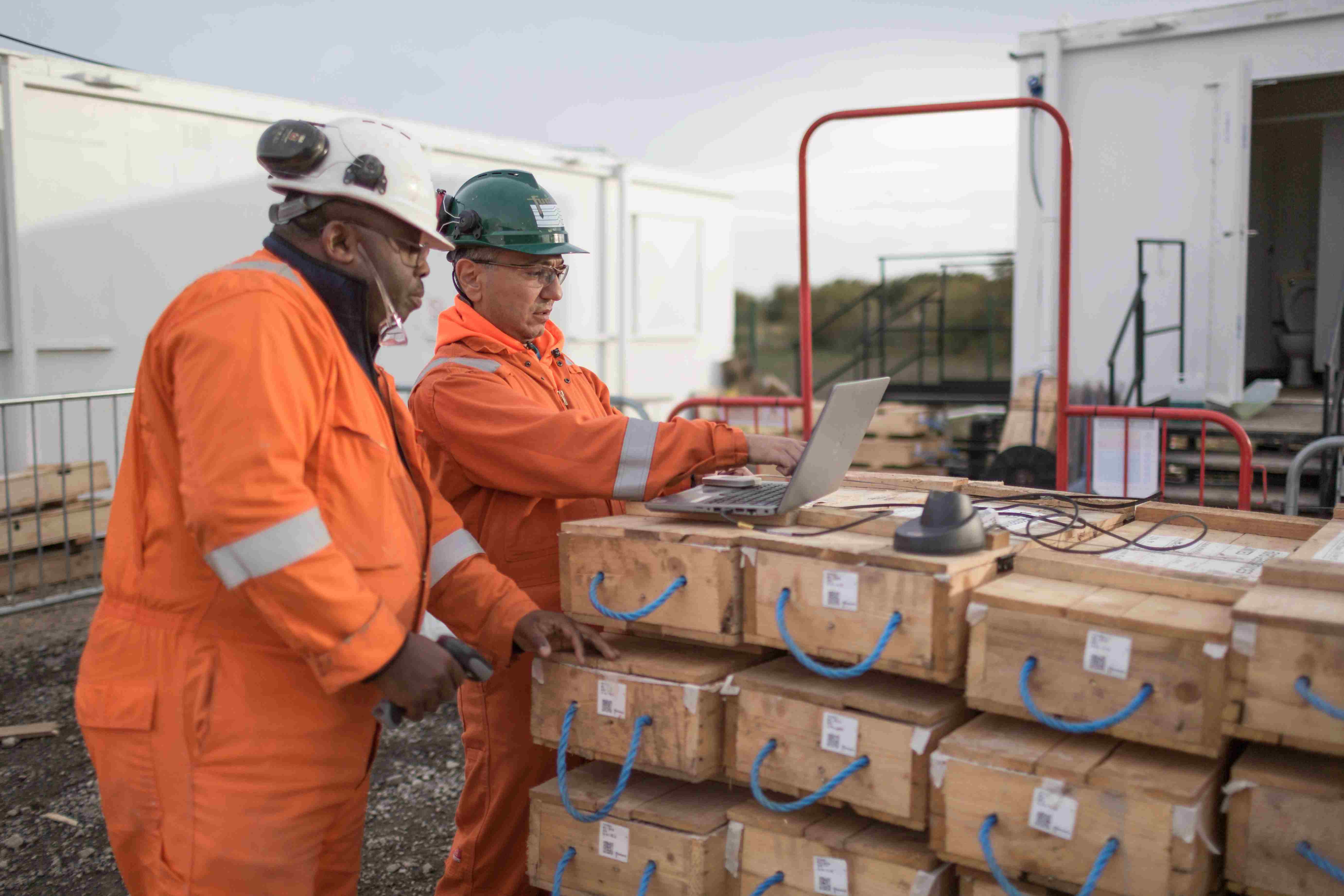
How does GeoDin Onsite benefit you?

Work naturally in any conditions
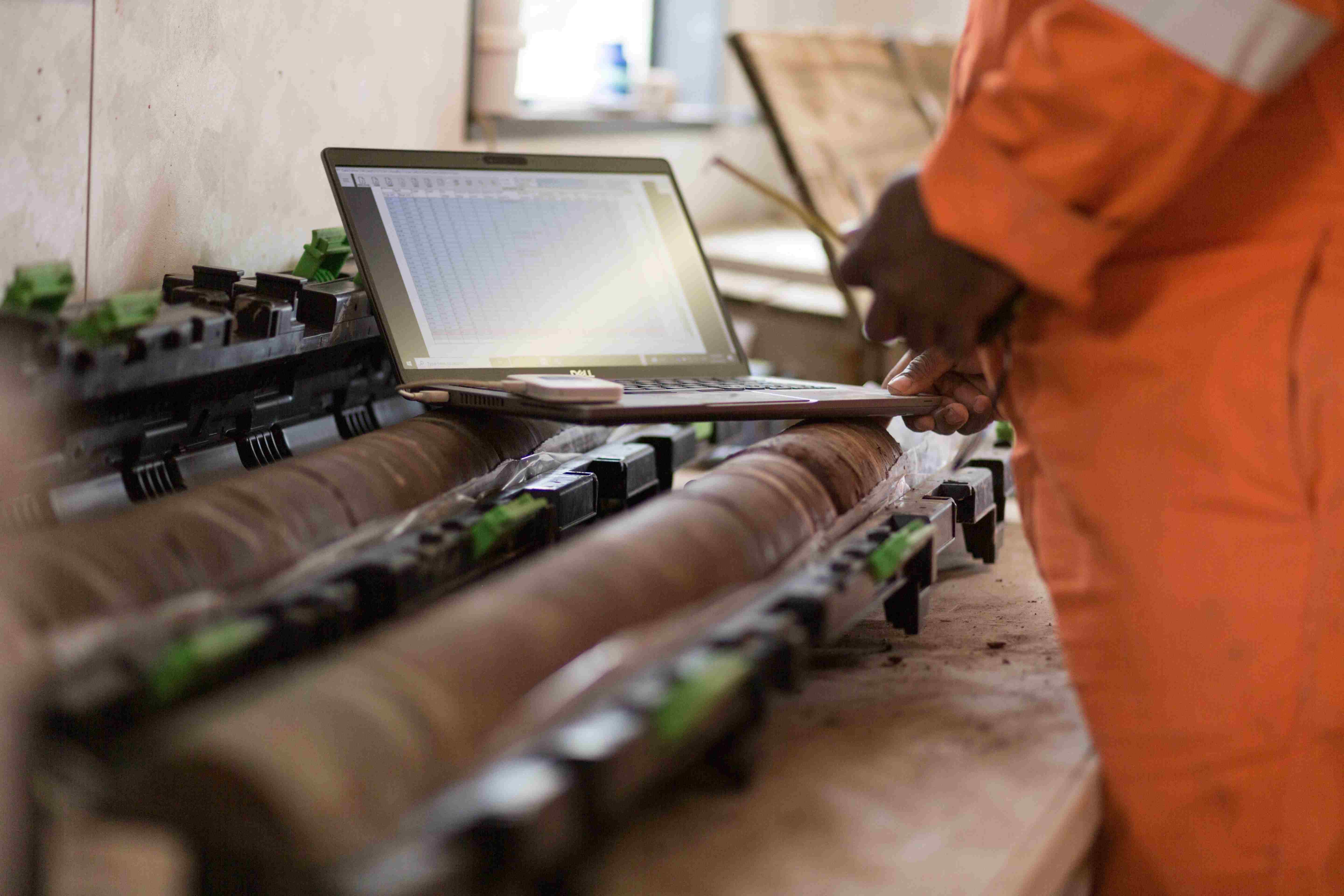
You get the intuitive feel of paper-based data entry with the reliability of digital technology. Choose your preferred input method—touchscreen or keyboard—while your data stays protected from rain, dirt, and field hazards that would destroy paper forms.

Eliminate sample mix-ups forever
You'll never lose or confuse samples again thanks to automatic label printing for every sample you collect. This means accurate test results, reduced errors, and complete traceability from field collection to final analysis.

Create complete field records
You can build comprehensive documentation by adding photos and other media directly into your forms, giving you detailed visual records that enhance your reports and support better decision-making.

Flexible licensing that moves with your team
Your license follows your field crews, not your hardware. Pay per active device and swap up as projects change, team members rotate, or equipment gets replaced - so you're never paying for licenses you're not using.
Capturing ground data became easier
- with digitized paper forms -
Data logging like 'on paper'
GeoDin Onsite replaces paper forms with a tablet interface, providing a digital equivalent for field data collection. This digital software for field data collection simplifies the transition for personnel and cuts down on transcription errors. Users input data directly, and the app validates entries in real-time. It checks for correct data types and completeness, and enforces conditional rules based on field conditions, ensuring higher data quality and a streamlined workflow.
Digital entry allows for immediate validation, with GeoDin Onsite instantly verifying entries and checking for completeness. The app's ability to enforce conditional rules ensures data adapts to specific requirements. This validation enhances data quality and streamlines workflow efficiency.
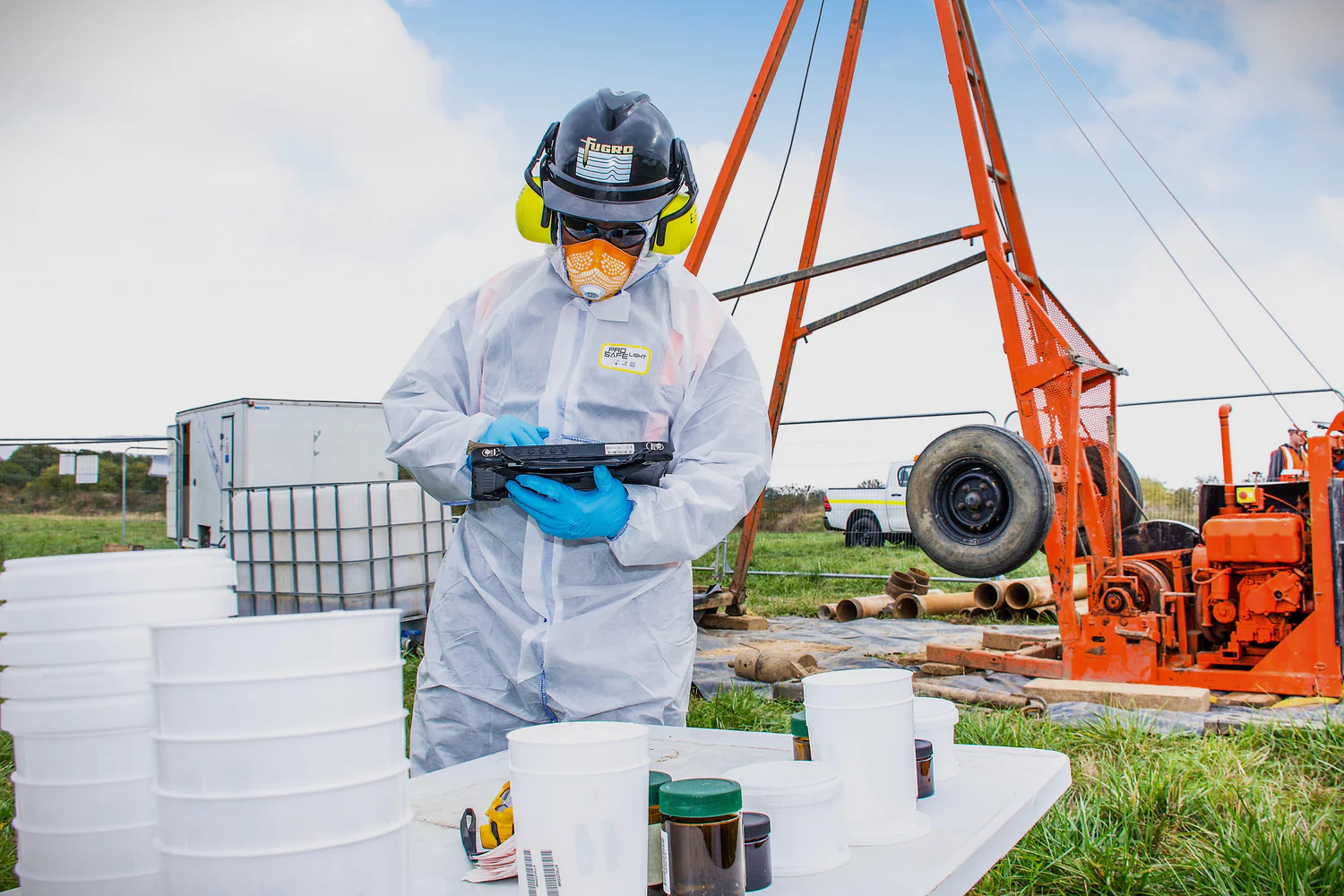
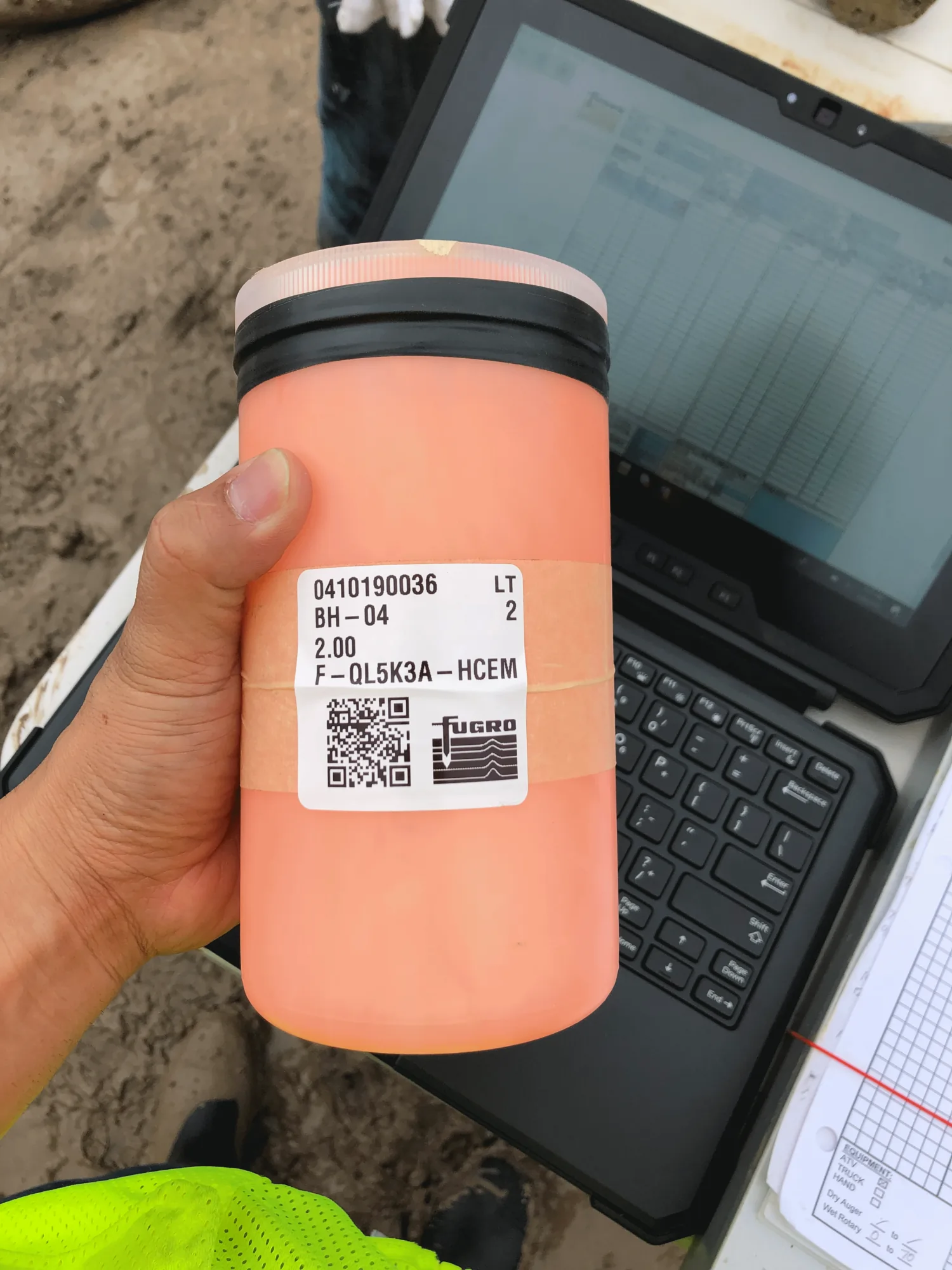
Label printing with QR
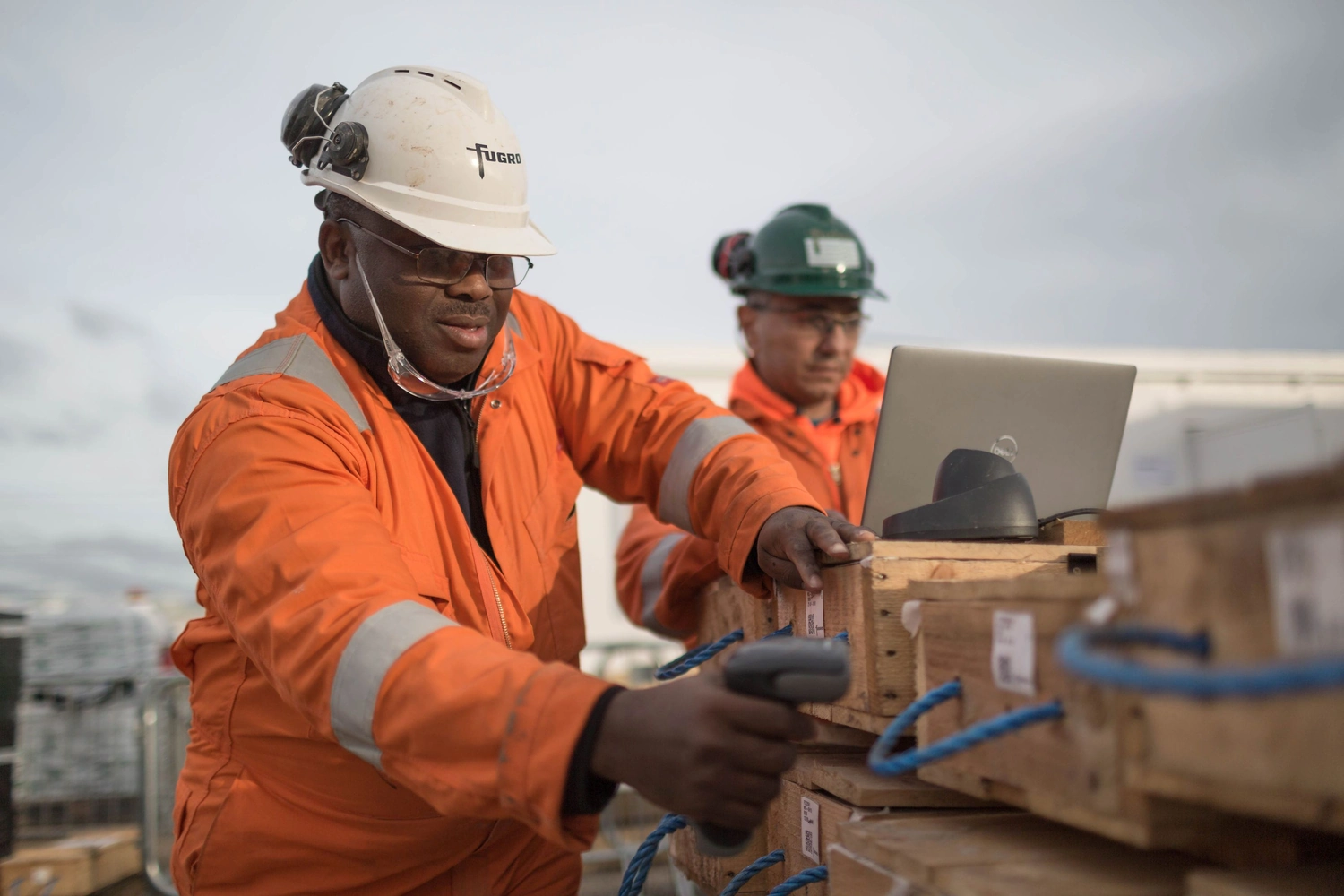
GeoDin Onsite enables the creation of unique identifiers for samples in the field, eliminating manual labeling. The app generates labels with QR codes containing essential sample information. This automation ensures accurate and efficient sample marking.
Generated labels include project number, location, depth, and sample type within the QR code. You can now trace your lab results back to the field, and have quick access to sample details by scanning the QR code, even with delays in data transfer.
Include sample photos
Field personnel can capture visual documentation of samples or site conditions and link them to data entries. This eliminates separate documentation and keeps visual evidence with collected data.
Integrating photos provides a more comprehensive record, enhancing the reliability of analyses. Visual data alongside measurements improves communication and collaboration among teams and stakeholders.
Field data collection made simple
GeoDin Onsite transforms ground data collection with just three easy steps: download the app, log your measurements with built-in quality checks, and import directly into GeoDin for instant professional reports.
All features of GeoDin Onsite
- Digital data entry: GeoDin Onsite allows users to directly input geotechnical data into a digital form on a tablet, mirroring the traditional paper forms used in the field.
- Data validation: The app validates data entries thoroughly, ensuring accuracy by checking for correct data types (e.g., numbers vs. letters) and completeness, and enforcing conditional rules based on specific field conditions or methods.
- Integration with GeoDin: GeoDin Onsite ground data is entered into GeoDin for data processing, visualisation and reporting.
- Sample identification and labeling: It enables the creation of unique identifiers for samples and automates the printing of labels with QR codes, containing essential sample information like project number, location, depth, and sample type. The app can be linked to (industry-standard (i.e. Zebra branded) mobile label printers via bluetooth. It can also connect via standard wires.
- Integration of media: Users can capture and embed photographs of samples directly within the data entry form.
- GPS integration: The app can capture GPS coordinates at the time of data entry.
- Offline functionality: GeoDin Onsite is designed to work offline, allowing for data capture in areas without internet connectivity, with a requirement to connect periodically (e.g., every 30 days) to validate the license.
- Windows-based application: The application is specifically designed for Windows tablets, laptops and PCs. It can run alongside GeoDin on a computer.
Frequently Asked Questions
If you don’t see your question here, we’re always available to help.
Get in touch to discuss your needs, explore opportunities, or clarify how we work.
BUILD ON SOLID GROUND™
Today with GeoDin®
Your cart
Taxes will be calculated at checkout