GeoDin Security & Data Ownership
All you need to know for your peace of mind
GeoDin is built on a fundamental principle: your data belongs entirely to you. Our software empowers you to capture, manage, and use geotechnical data with confidence - without forcing you into the cloud or transferring ownership of your information. You choose where your data lives, how it's protected, and who has access.
Your data. Your infrastructure. No exceptions.
GeoDin does not host or store your geodata. All data resides within your own IT environment - on-premise servers, a secure corporate cloud, or encrypted field devices. The GeoDin Suite (GeoDin, GeoDin Ground, and GeoDin Onsite) operates locally by default. Cloud usage only occurs if you explicitly configure your own infrastructure accordingly.
This means you maintain full control over data residency, access policies, backups, and encryption. GeoDin works within your existing corporate security architecture - not alongside it, not instead of it.

Security that fits your organisation
GeoDin integrates with the identity management, database governance, device policies, and encryption standards your IT team already has in place. There's nothing new to stand up and no proprietary security layer to manage.
Our software is developed and delivered within Fugro's ISO 27001–certified development environment. Every code change is reviewed, security-checked, and released through controlled pipelines - so you can trust the software itself, not just the data architecture around it.
How does GeoDin protect your data at every level?

Confidentiality
GeoDin works with enterprise databases using your existing access roles and permissions. It supports Windows Authentication and SSO for MSSQL and Oracle, along with encrypted database connections via SSL/TLS. GeoDin itself stores no geodata locally beyond small configuration values.

Integrity
Built-in validation rules, domain standards, picklists, and lithology checks ensure high-quality data entry from the start. GeoDin's stateless architecture supports point-in-time recovery at the DBMS level, and your IT team can enable database-level auditing and change tracking as needed.

Availability
A desktop-first architecture means you can work offline when you need to - ideal for field conditions. Availability depends on your own network and infrastructure choices. Optional GeoDin services like maps and elevation data enhance workflows but are never required for core use.
Security across the GeoDin Suite

GeoDin Onsite - secure fieldwork, fully offline
GeoDin Onsite is installed locally on rugged laptops and tablets for field investigations. All collected data is stored directly on the device until you choose to transfer it. There is no cloud interaction unless you initiate it.
Security is governed entirely by your device controls: disk encryption, login policies, and mobile device management rules. GeoDin Onsite is as secure as the field device you bring on site.
GeoDin - your data within your perimeter
GeoDin runs on your corporate Windows environment and connects only to databases you host, encrypt, and manage - whether that's SQL Server, Oracle, PostgreSQL, or Access. It adheres to your identity management and access-control rules and does not duplicate or migrate data outside your infrastructure.
GeoDin provides the tools. You define and control the environment.

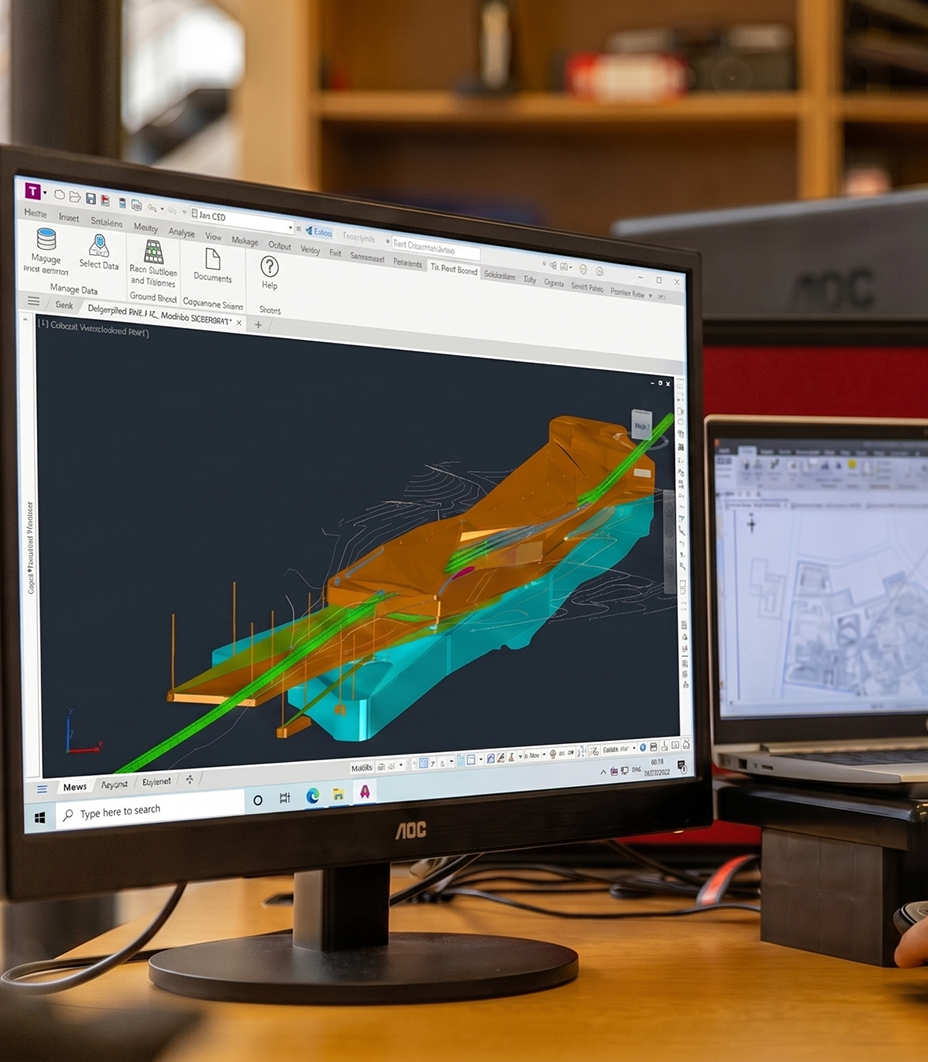
GeoDin Ground - secure inside Autodesk Civil 3D
GeoDin Ground is delivered as a plugin that operates inside Civil 3D. It is listed on the Autodesk App Store, meaning it passes Autodesk's add-in screening and policy requirements. It uses the same secure database connection as the desktop product, with no separate hosting or external data movement unless you explicitly export.
GeoDin Ground inherits the security standards of your Autodesk deployment.
Technical overview for security & procurement reviews
Ready to adopt GeoDin for your enterprise?
Whether you're planning a small internal rollout or a full enterprise-wide deployment, our team is here to help. We collaborate directly with your IT, security, and infrastructure teams to ensure GeoDin fits seamlessly into your environment. From optimal deployment patterns and database architecture to licensing, Civil 3D integration, and field device strategies - we'll guide you through every step.
BUILD ON SOLID GROUND™
Heute mit GeoDin®
Testen Sie GeoDin 30 Tage lang und sehen Sie, ob es OpenGround standhält. Kontaktieren Sie uns, um zu erfahren, wie Sie von OpenGround zu GeoDin migrieren können — wir erwarten Ihren Anruf.
Dein Einkaufswagen
Die Steuern werden an der Kasse berechnet